4 min read
Run Claude Code for free with Ollama
How to connect Claude Code to local or cloud open models with Ollama, and what to expect from each.
Claude Code is the most popular coding agent right now, but the subscription adds up. You can easily spend $100 to $200 a month on it.
This week I tried running Claude Code with Ollama, using both local and cloud open models for free. Here’s the setup, and an honest look at how well it worked.
1. Install Claude Code
You need the terminal version, not the Claude desktop app. Copy the install script from the docs and run it:
curl -fsSL https://claude.ai/install.sh | bashDon’t start Claude Code yet. It will ask for a subscription or API key, and we’re going to skip both.
2. Install Ollama
Go to ollama.com, click Get started, and run its install script:
curl -fsSL https://ollama.com/install.sh | sh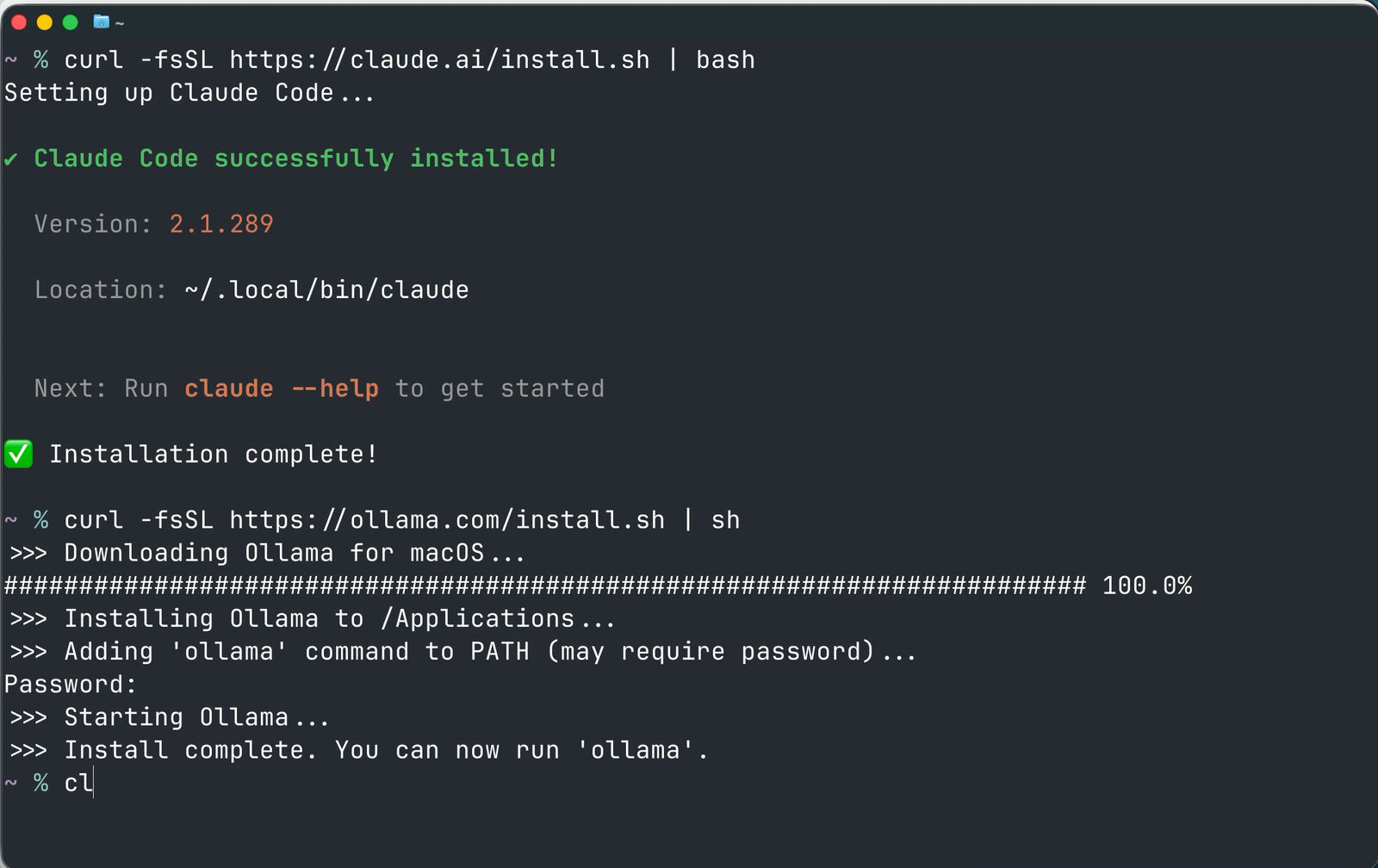
If you haven’t used it, Ollama downloads and runs AI models on your own computer. You don’t pay a subscription, your files and prompts stay on your machine, and it works offline.
3. Pick a model that fits your RAM
Browse the Models page on the Ollama website. Each model lists its size in billions of parameters.
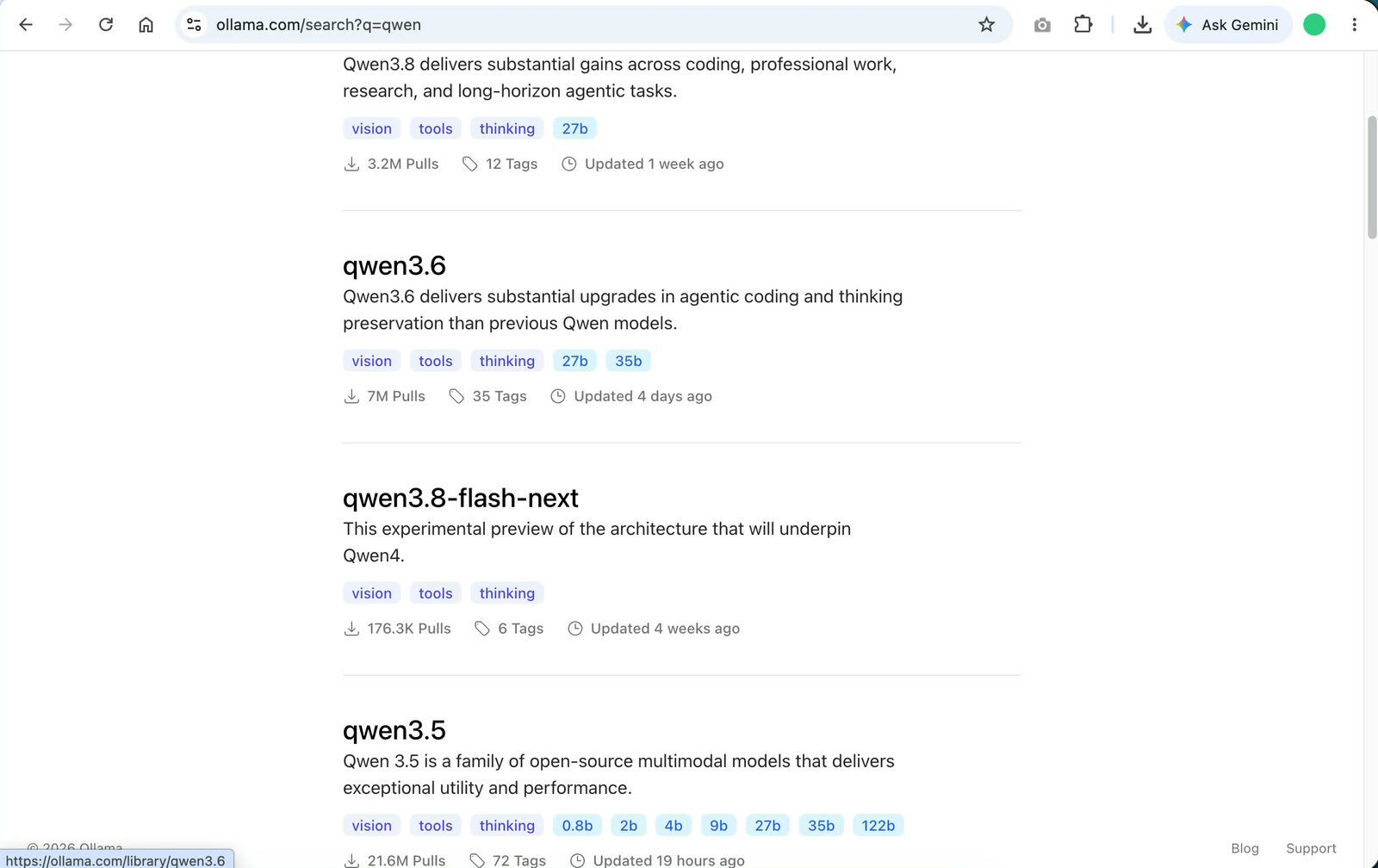
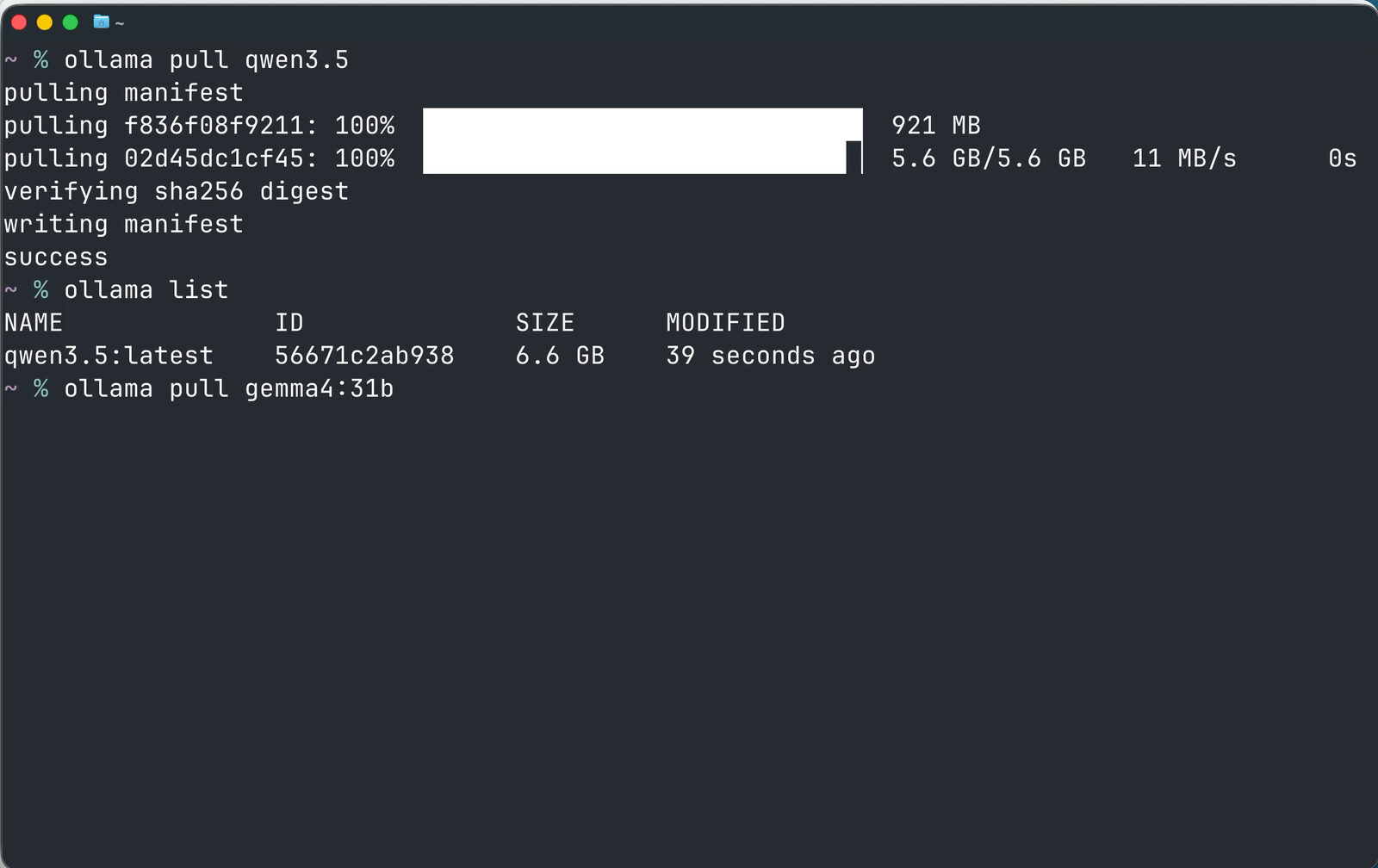
A handy rule of thumb: 1 billion parameters needs about 1 GB of RAM. I’m on a MacBook with 16 GB, so I went with the 9B Qwen 3.5 model:
ollama pull qwen3.5To get a specific size, add it after a colon, like ollama pull gemma4:31b. Run ollama list to see what you’ve downloaded.
4. Launch Claude Code through Ollama
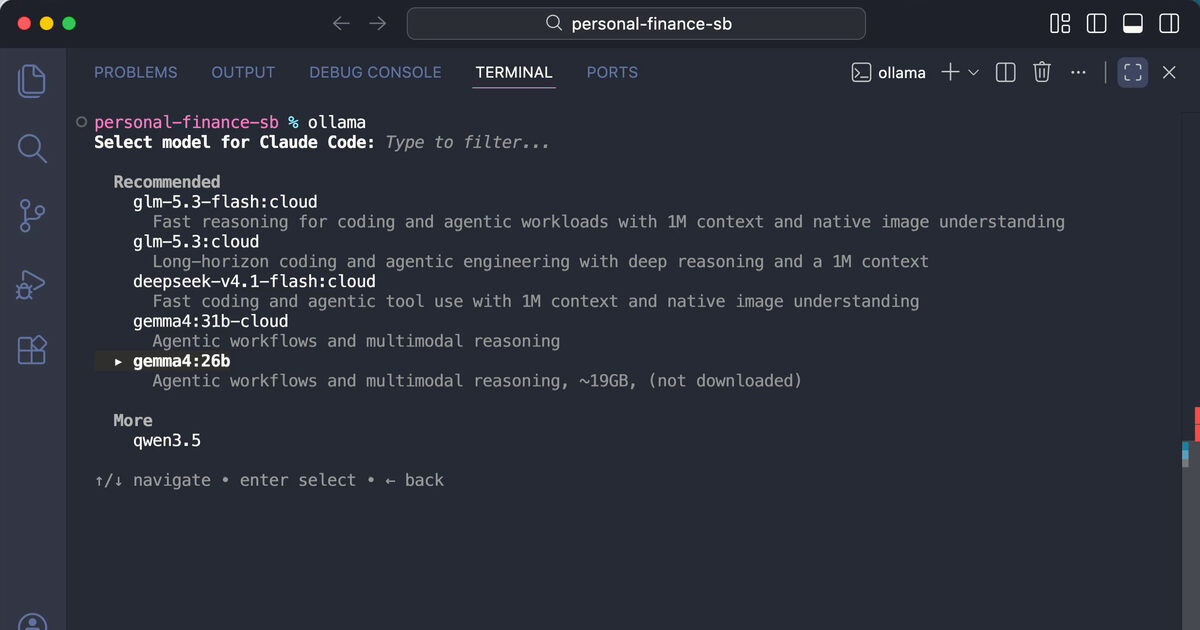
I ran this from the terminal in VS Code (Cursor or Windsurf work too). Run ollama, choose Claude Code, and then pick a model.
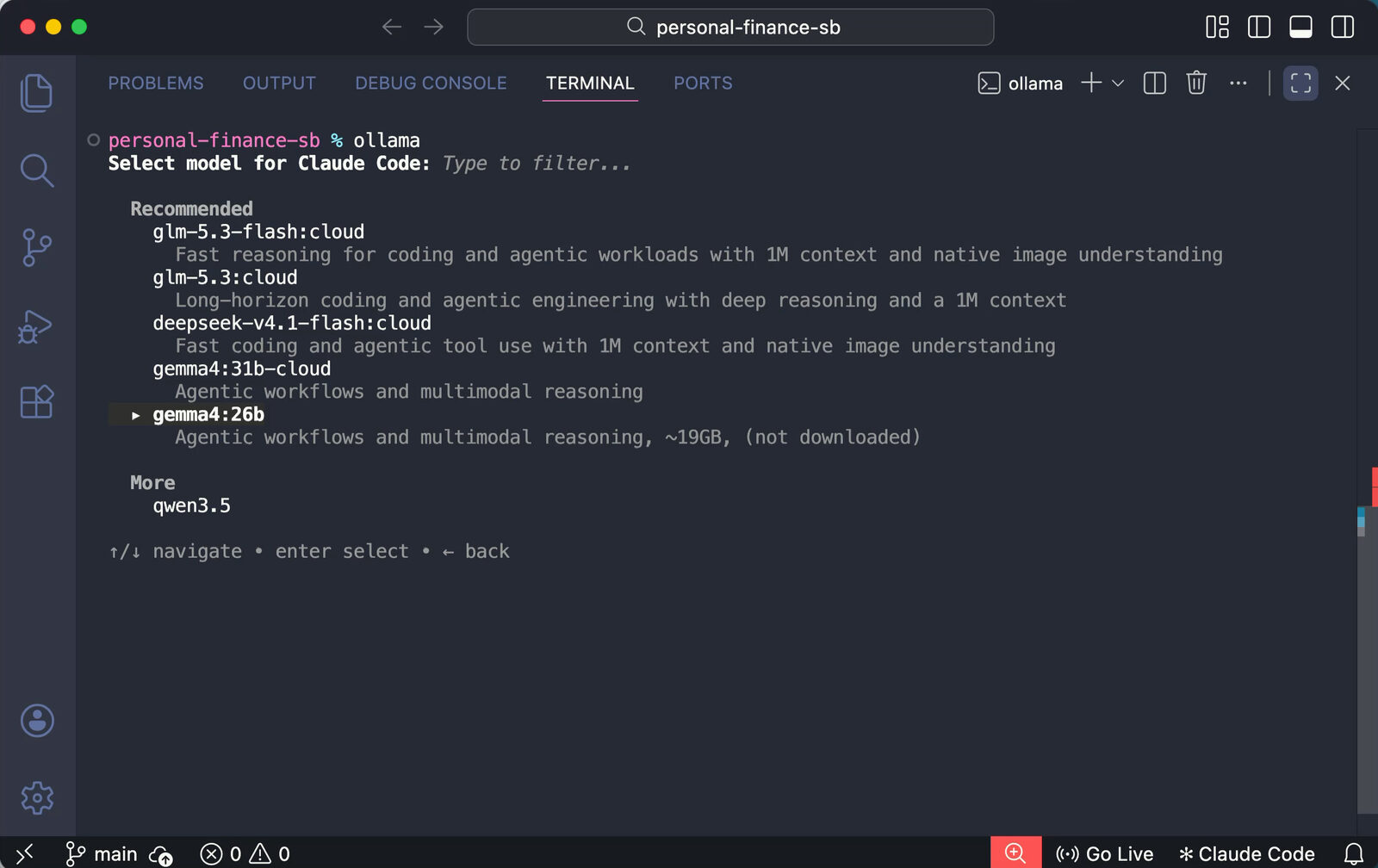
Models tagged cloud run on Ollama’s servers. For a fully local setup, choose the one you downloaded. That’s it: Claude Code is now talking to Qwen.
Testing it on a real project
I have a Storybook project with UI components for a personal finance app. Storybook lets you build, test, and document components one at a time, which suits smaller models well.
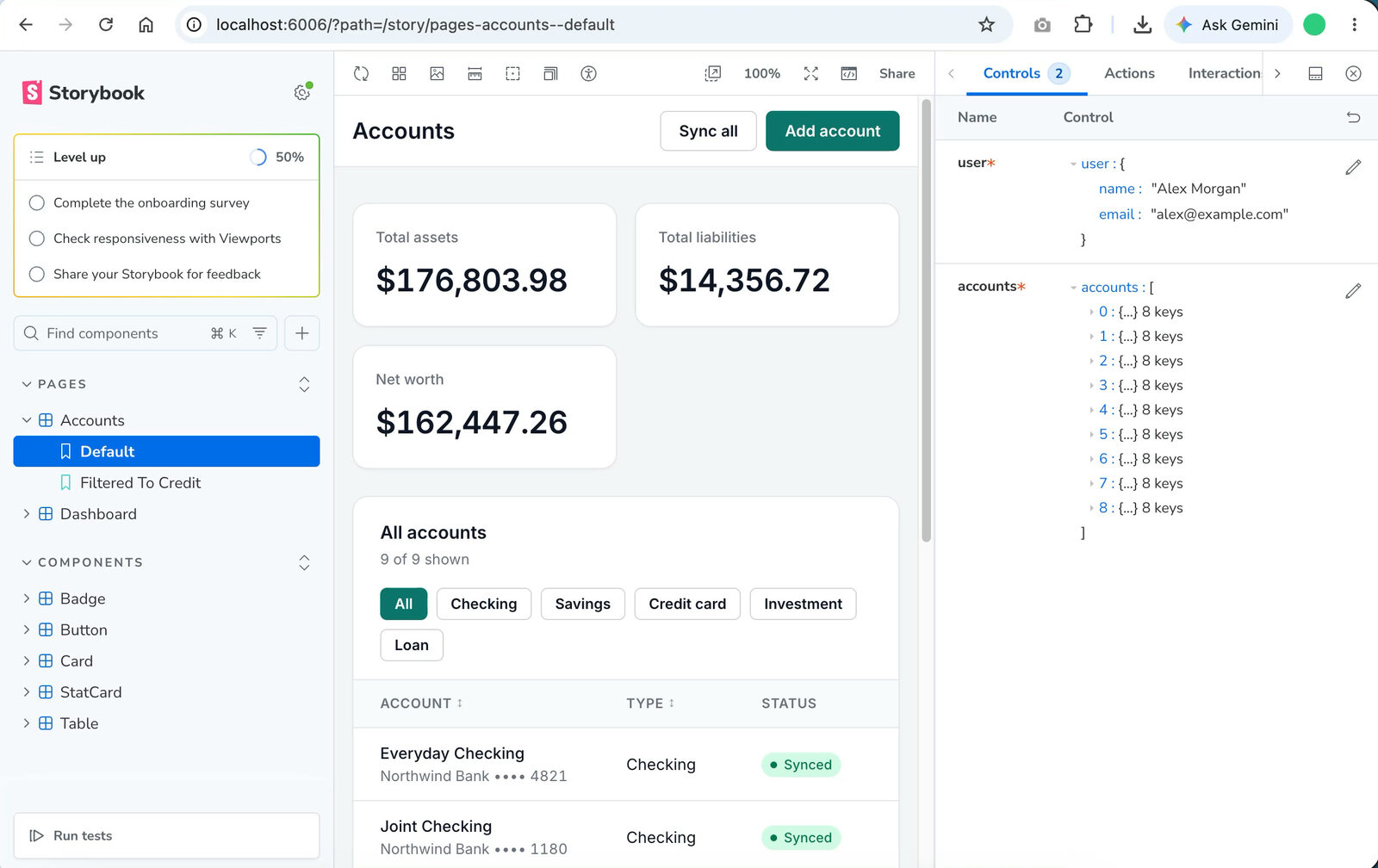
I asked the local model to create a rounded button variant.
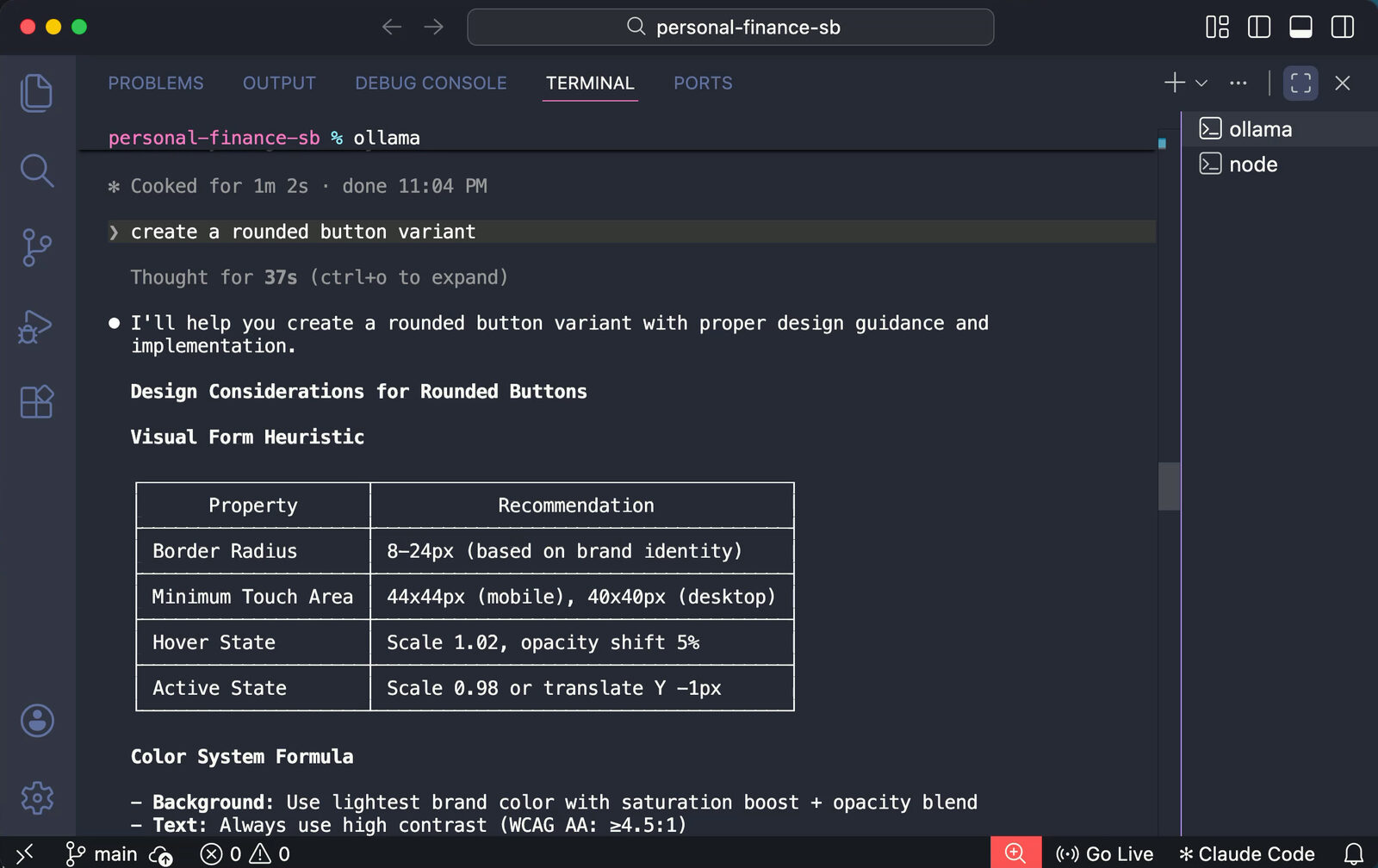
The result was a bit underwhelming. It was slow, and instead of editing my project, it printed a chunk of HTML and a design table into the terminal. A small local model just doesn’t handle tool use (reading and writing files) as well as Claude Opus or Sonnet. You’d need a bigger coding model like Qwen Coder.
Tip: Don’t ask a local model to one-shot a whole app with payments and integrations. Give it one small, well-defined task, like a single component.
Free cloud models are the sweet spot
Ollama also gives you a free cloud allowance that refreshes every 30 days. Sign up for an account to use models like OpenAI’s open-weight gpt-oss and NVIDIA’s Nemotron.
Some of these aren’t in the default picker, so pass the model name directly with the :cloud suffix:
ollama launch claude --model gpt-oss:120b-cloudThe first time, it opens a browser page where you click Connect to link your device. After that, Claude Code runs on the cloud model.
It’s much faster than local. I gave it the same rounded button prompt, and this time it actually created the component and a new story in the project.
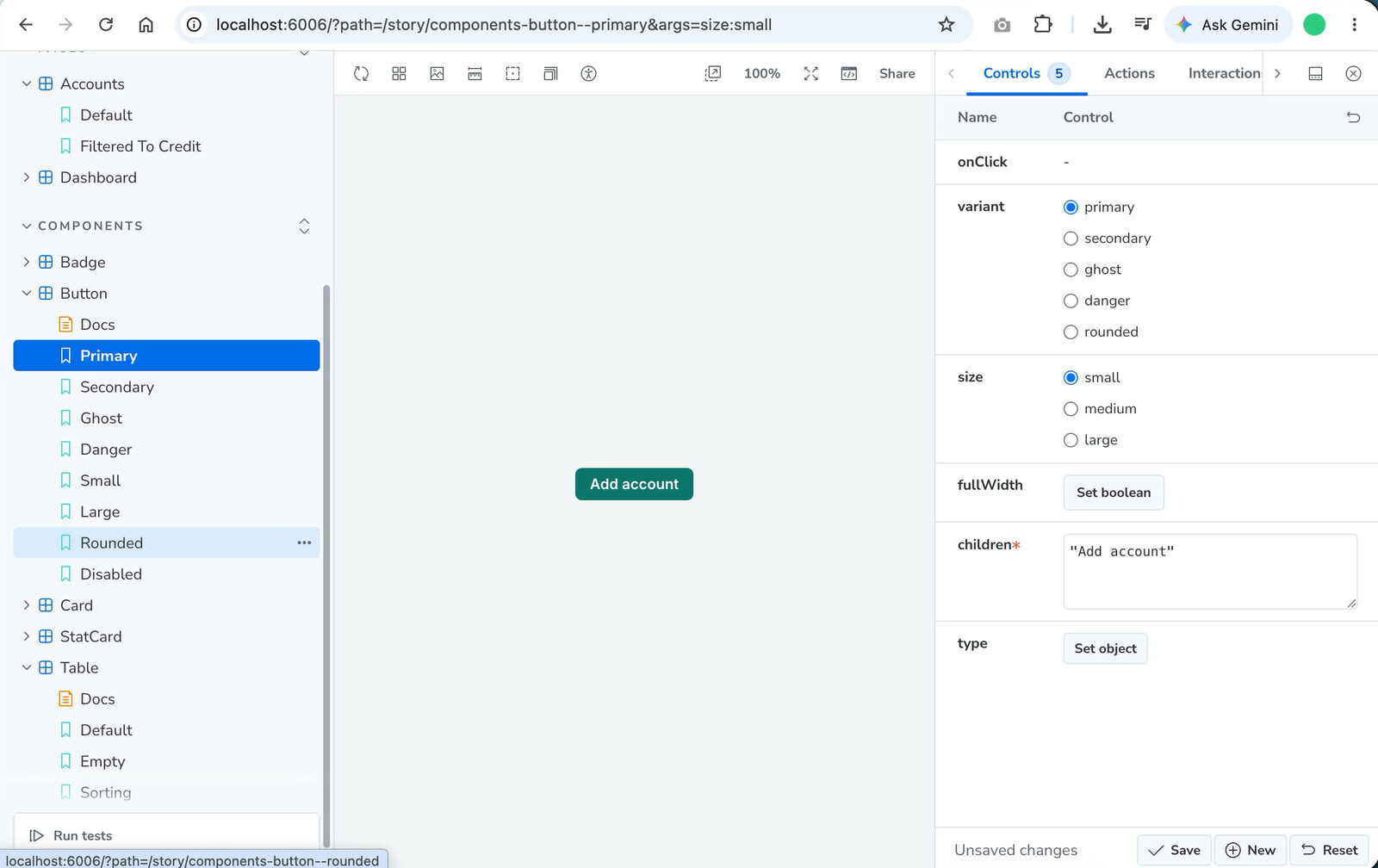
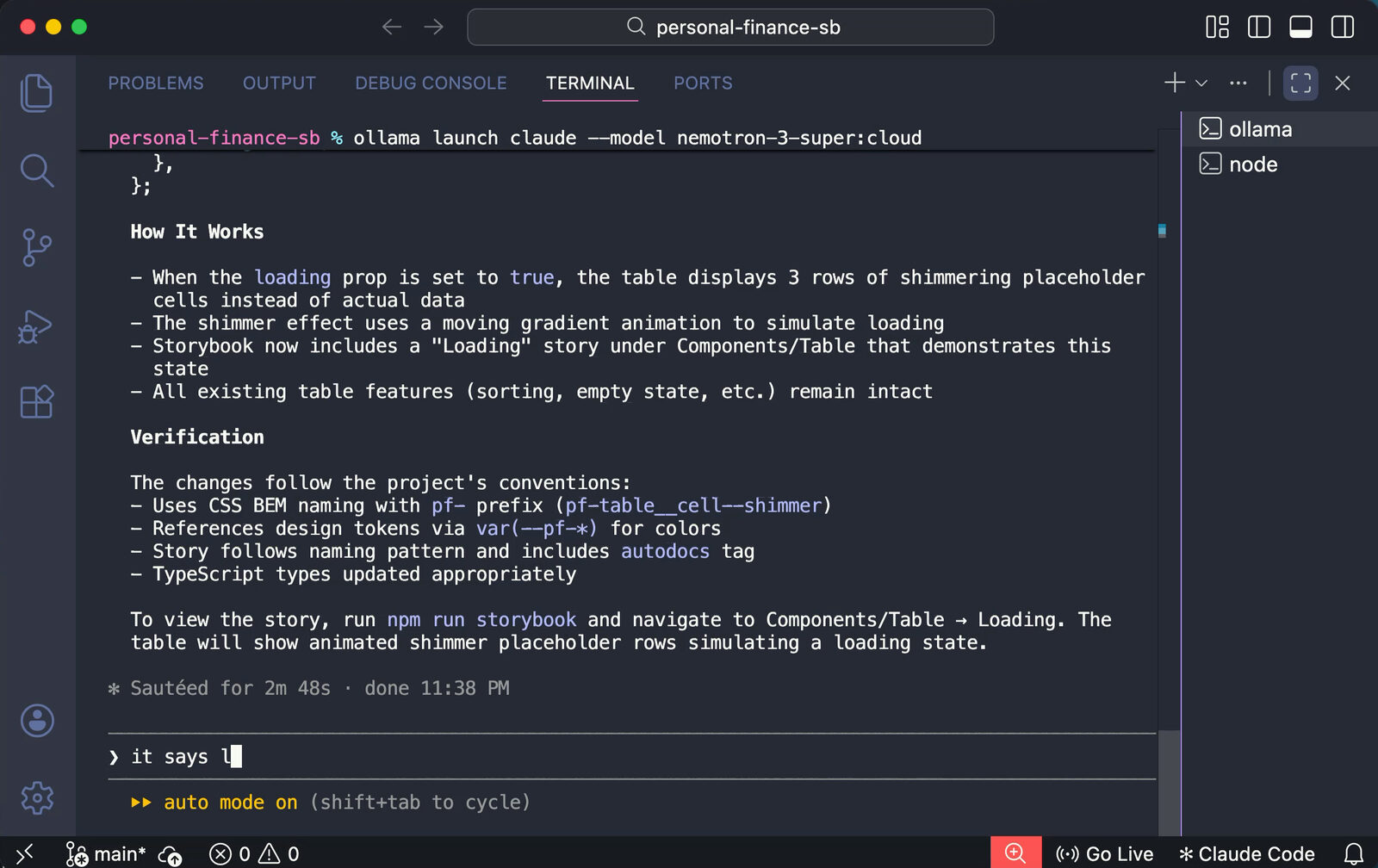
Then I switched to nemotron-3-super:cloud and asked for a loading state on the table with a shimmer animation. The first attempt threw a loading is not defined error. I pasted the error back, it fixed it, and the loading story worked.
Local or cloud?
| Local | Ollama Cloud | |
|---|---|---|
| Cost | Free | Free allowance, then pay as you go |
| Privacy | Everything stays on your machine | Prompts go to Ollama’s servers |
| Internet | Works offline | Required |
| Speed and quality | Depends on your hardware | Much faster, better tool use |
For real coding work locally, you need about 30 GB of RAM just for the model, plus room for your OS. That means 32 to 48 GB of RAM or VRAM. If you have that, local gives you full privacy. If you don’t, the cloud models are a great free option.
Either way, don’t expect Opus-level results. That’s the trade-off for free. For small, focused tasks, though, it works.
Have you tried running a coding agent on open models? Reply and tell me which one worked best for you.
Nathan