4 min read
REA: can AI really clone any app?
I tried REA (Reverse Engineer Anything) to clone a desktop diagram app with Claude Code. Here's how it works and what it means for software.
REA (Reverse Engineer Anything) is an open-source tool that’s been all over my feed lately. It passed 100,000 GitHub stars very quickly.
The pitch: point your AI agent at any app (desktop, web, mobile, or even a game), and it breaks the app down so the agent can rebuild its features.
So is it any good, and is the software industry in trouble? I tried it to find out.
What REA actually is
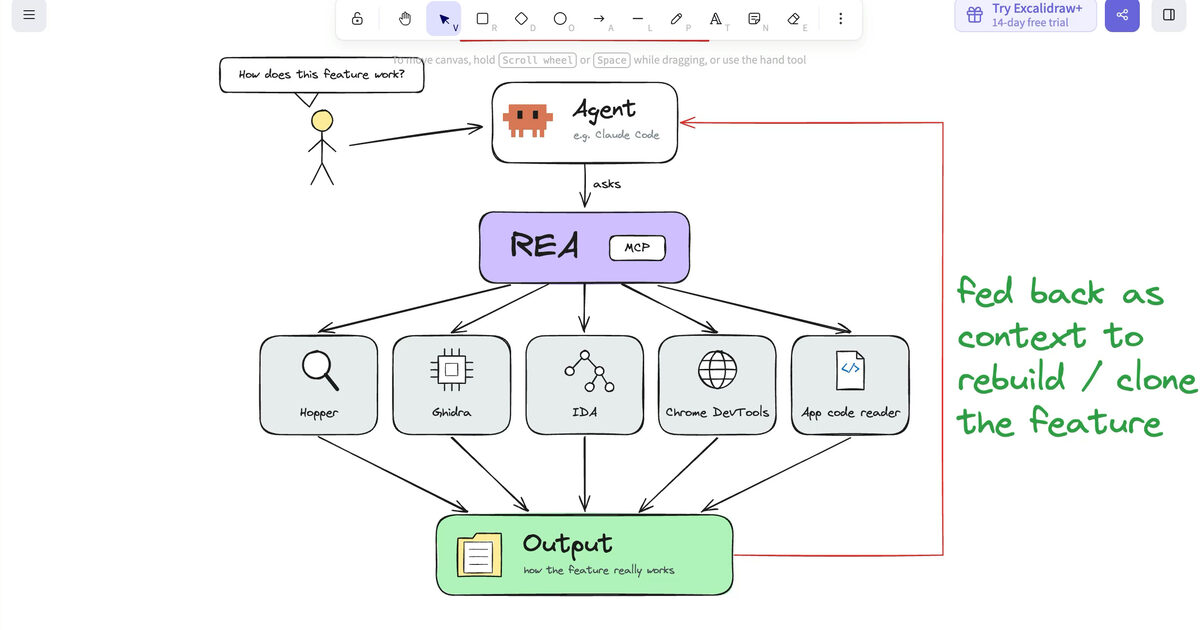
REA isn’t a new decompiler. It’s a set of skills and MCP servers that teach your agent to use existing reverse engineering tools:
- Hopper disassembles macOS and iOS apps
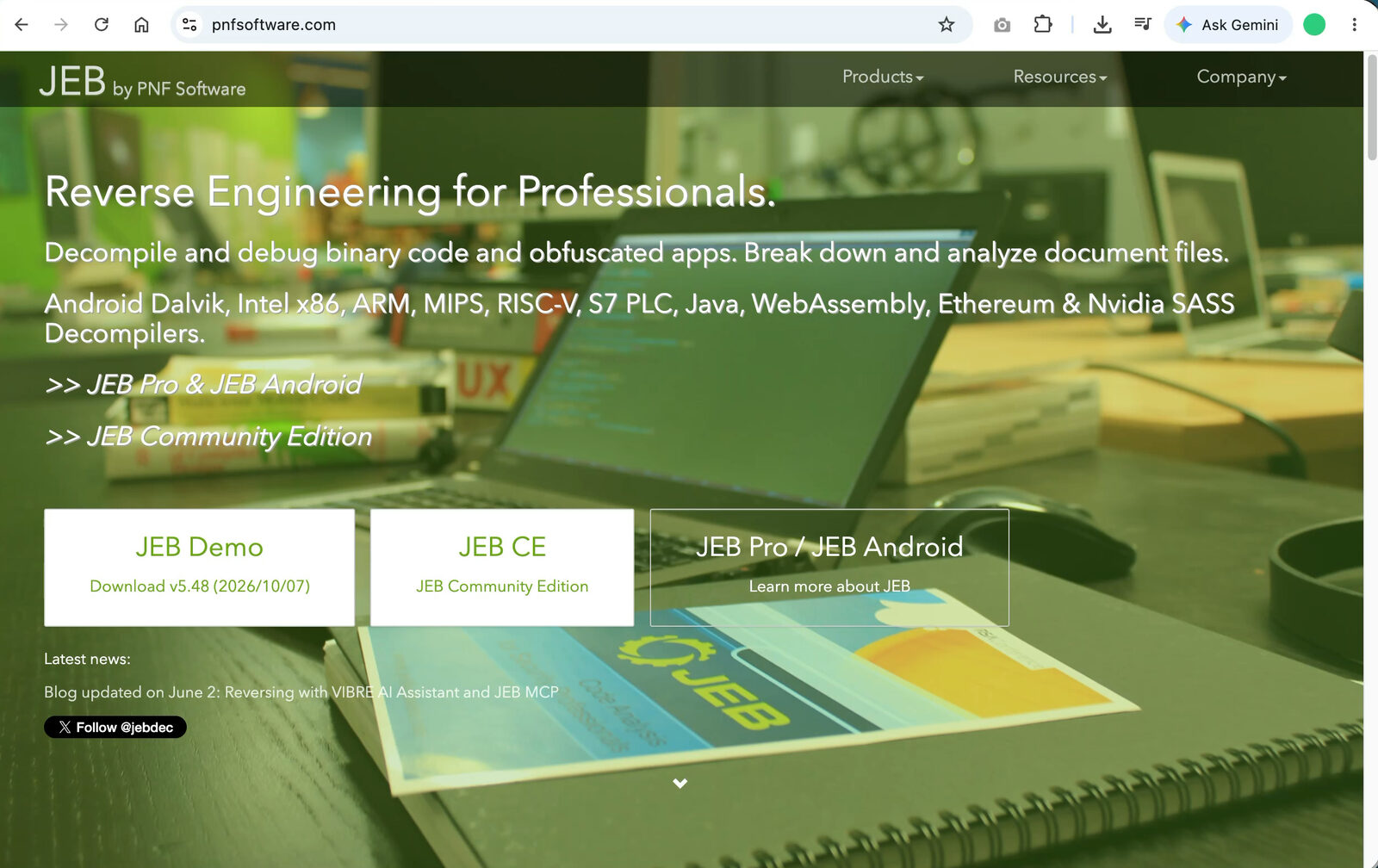
- JEB decompiles Android, Java, and ARM apps, and more
- Ghidra is a reverse engineering framework built by the NSA for cybersecurity work
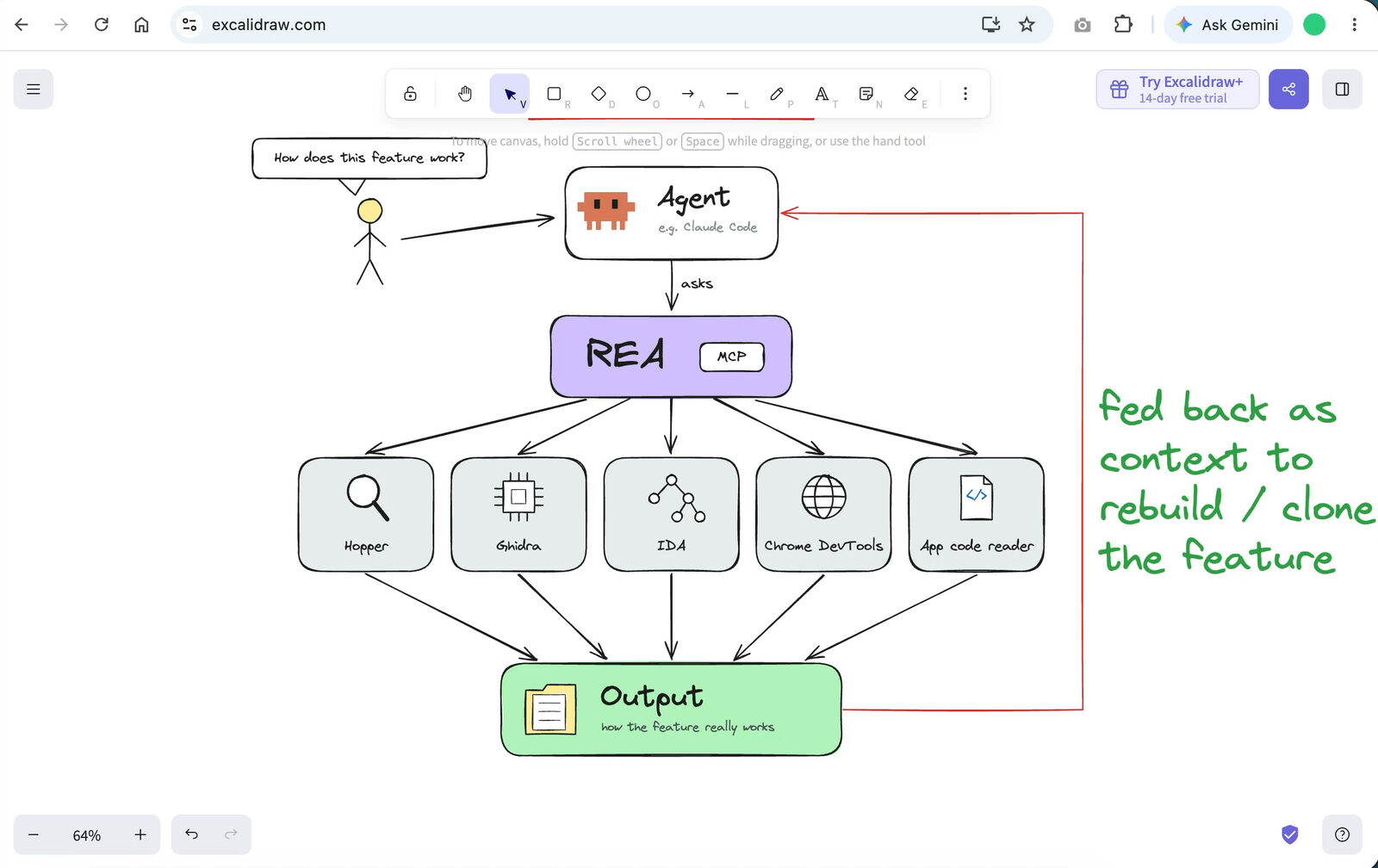
You ask your agent about a feature you like. It uses REA to break the app down to the binary level, works out how it functions, and then has much more context for building a copy.
Setting it up
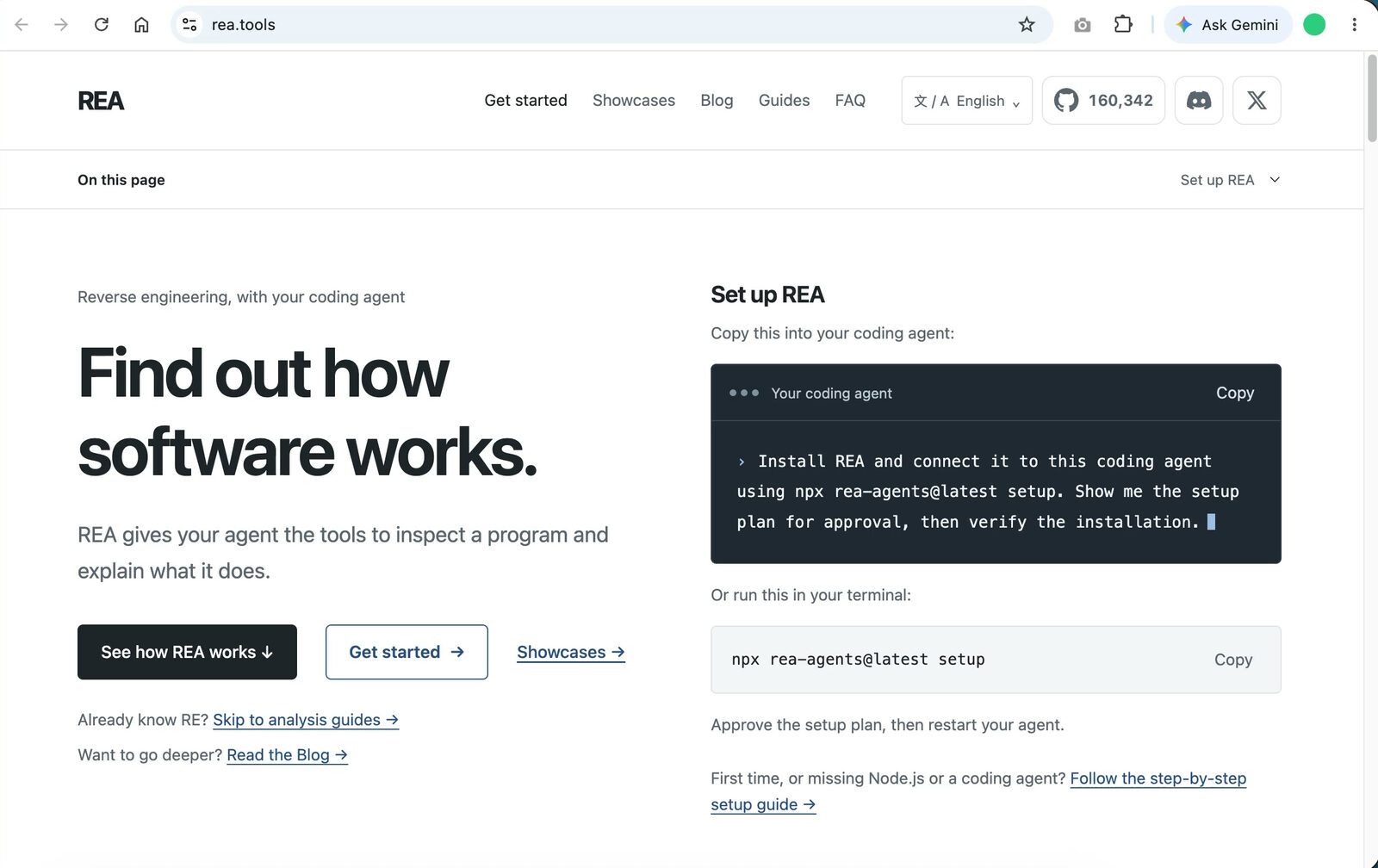
You need a recent version of Node.js (check with node -v). Then run:
npx rea-agents@latest setupYou can also paste that prompt into Claude Code or Codex and let the agent handle the setup. I did it manually from an empty folder in VS Code.
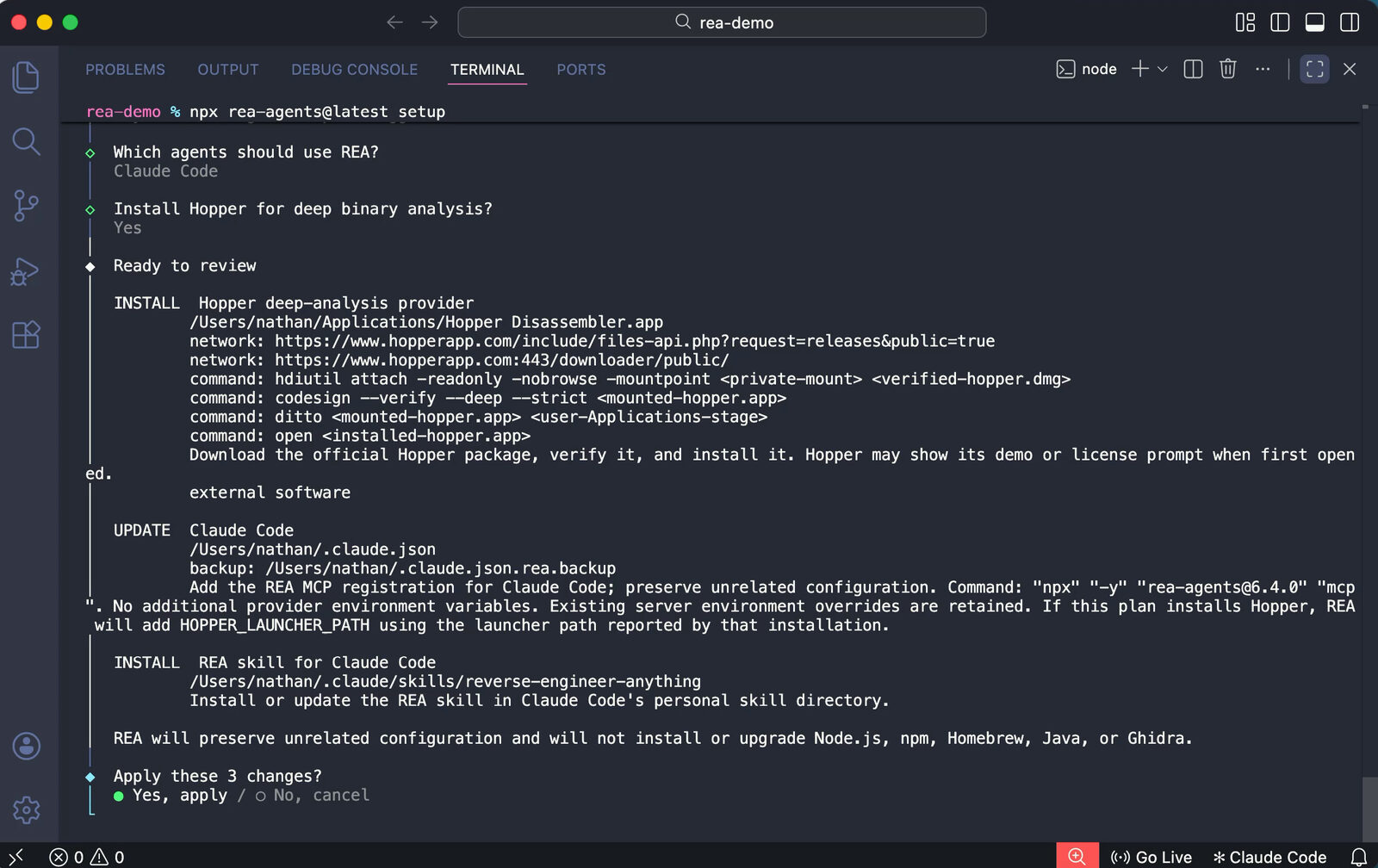
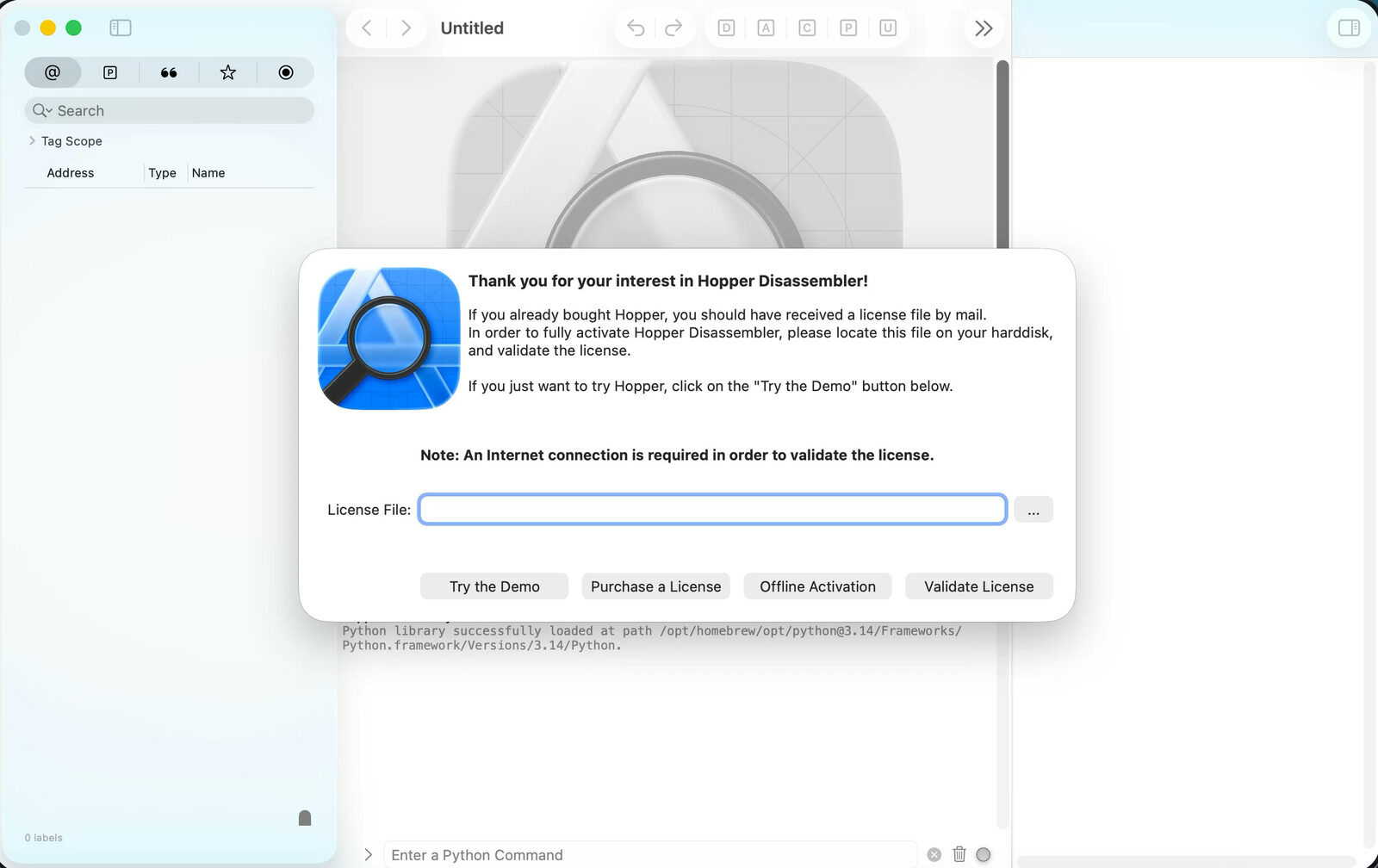
Setup asks which agent to install into (I picked Claude Code, but OpenCode and others are supported). Because I’m on a Mac, it also offered to install Hopper. Hopper is a paid tool, but the free demo works for this.
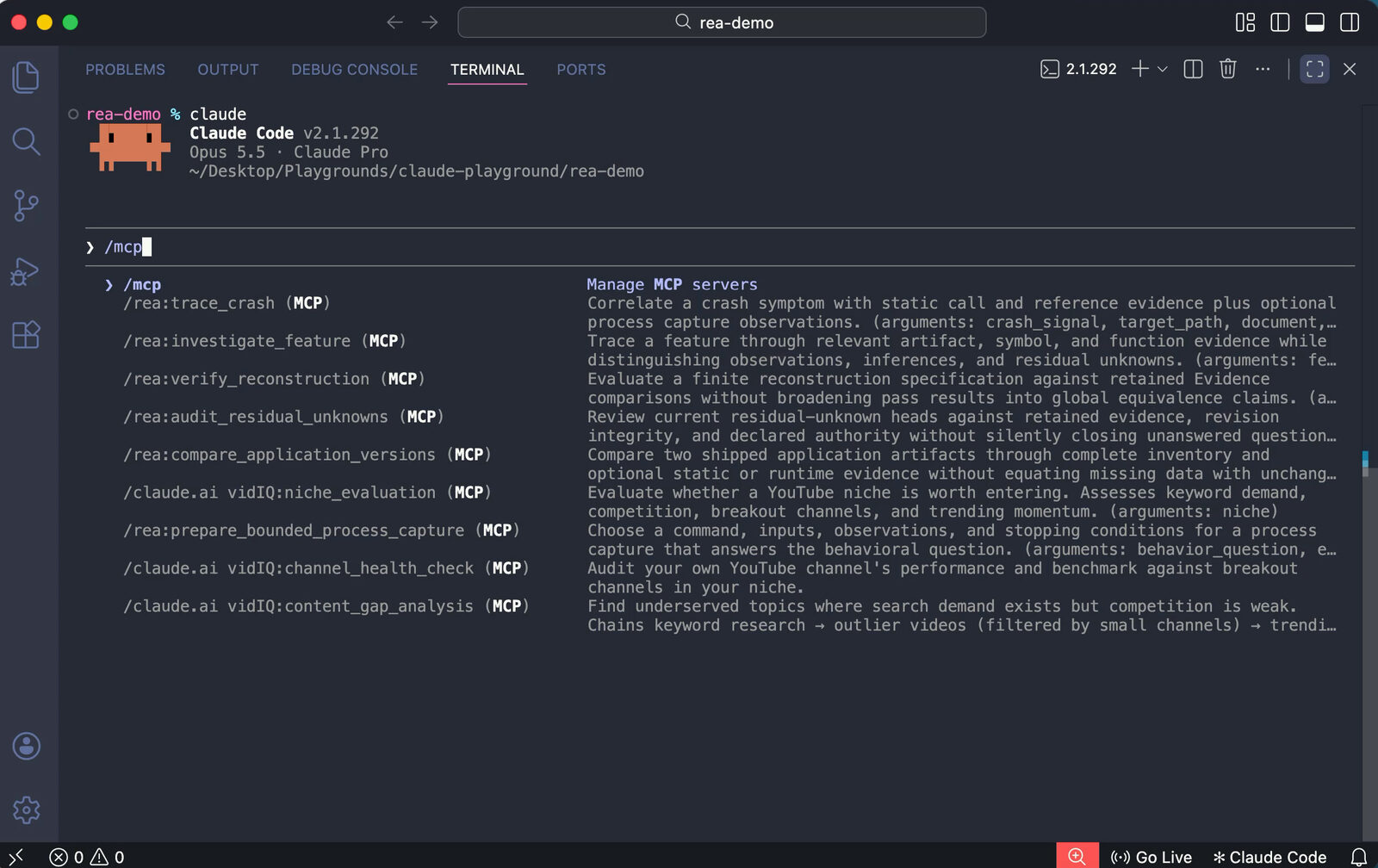
Run npx rea-agents doctor to confirm everything is installed. In Claude Code, /mcp should now list the REA tools.
Cloning a diagram app
I have a desktop diagram app for flowcharts, org charts, and mind maps. My prompt was simple: find the diagram app on this computer, use REA to inspect and clone its features, and call the clone FreeFlow.
Claude found the app, opened Hopper to disassemble it, and a few minutes later moved on to rebuilding. It chose plain web technologies (HTML, CSS, and JavaScript) instead of a desktop app.
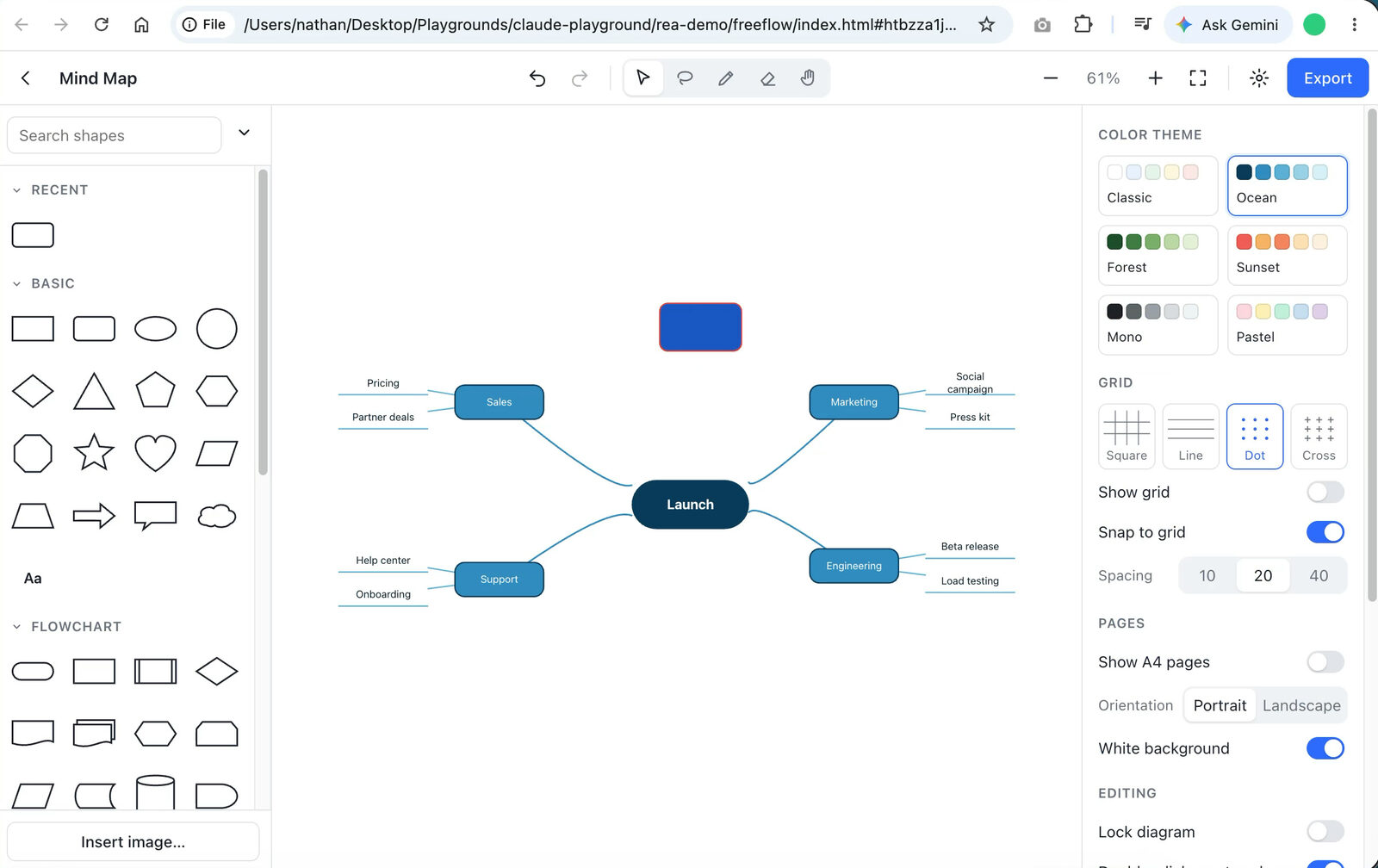
The result was surprisingly decent. It came with starter templates, shapes, fill and border colors, and editable text. A few interactions were off: clicking to edit text created a new shape, so I had to use right-click → Edit text. But the basics worked, and the interface was arguably more modern than the original.
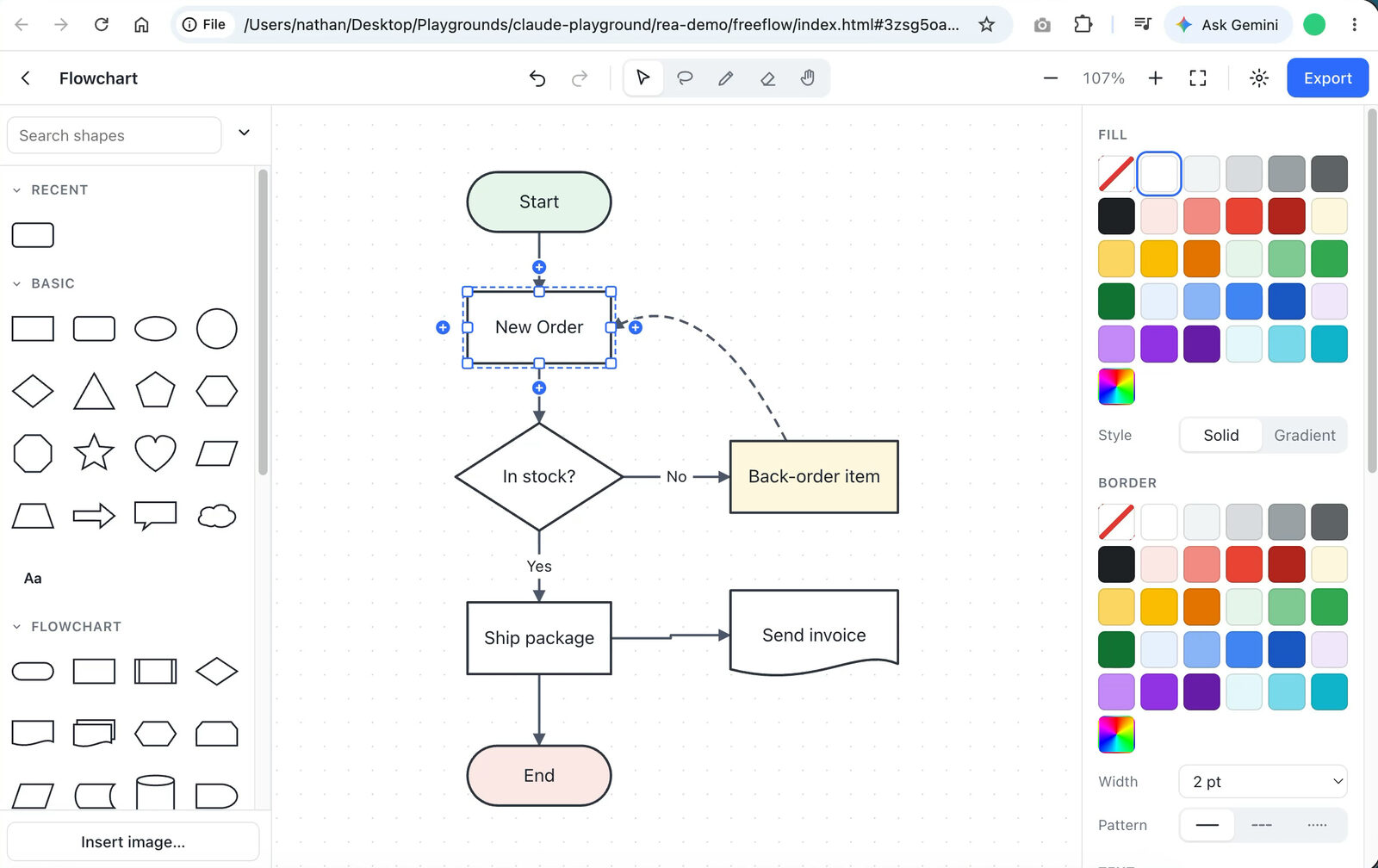
Claude didn’t just copy the app. It made its own improvements along the way.
So, is it a big deal?
Honestly, I don’t think REA changes much, apart from giving agents more accurate context when cloning a specific app.
Tools like Hopper, Ghidra, and JEB have been around for a decade or more. REA’s contribution is giving AI agents access to them through skills and MCP.
You also don’t need REA to copy a feature. You can tell your agent: “I like feature X in app Y. Figure out how it works and whether we can build it into this project.” Add a few screenshots, and that’s usually enough for Claude to work out a good approach.
REA did give Claude real detail, such as the data model, the classes behind shapes and connectors, and the export formats. Even so, Claude went with something simpler. My guess is that it could have built a similar app without REA. The clone might be less exact, but it would have more originality.
If you understand how software works (front end, back end, auth, database), working out how a feature is built isn’t that hard.
Cloning isn’t building a product
Will this make all software effectively open source? I don’t think so.
- You still can’t make a perfect copy of something like Adobe’s suite or Microsoft Office in a few minutes. And if you did, you’d get sued into oblivion.
- Before AI, great products came from years of UX research and steady improvements based on real user feedback. That doesn’t come out of a decompiler.
Making an app that looks and works like an existing one is easy. Building something people want, that solves a real problem and that they’ll pay for, is a completely different job. You still need to know what to build, who it’s for, and why they’d choose it over the alternatives.
So instead of using AI to copy every successful app, I’d rather use it to build better products and bring our own ideas to life.
REA is an interesting tool, and worth a try if you’re curious about reverse engineering. Just don’t expect a perfect clone in a few minutes.
Would you use a tool like this? Hit reply and let me know.
Nathan